| Variable | Description | Type |
|---|---|---|
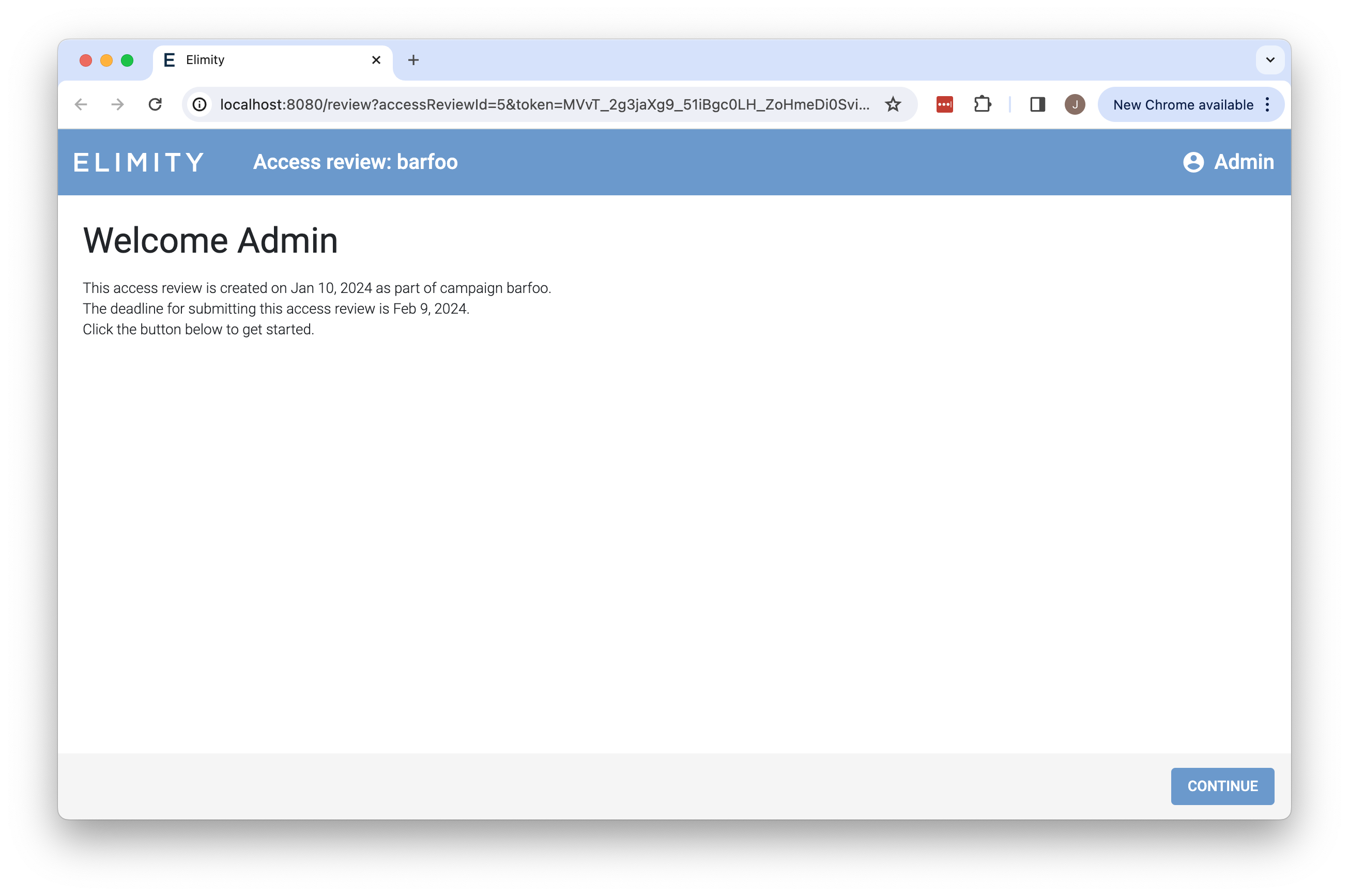
.AssigneeName | Name of the access review's assignee | string |
.CampaignName | Name of the access review's campaign | string |
.CreatedAt | Timestamp indicating when the access review was created | time.Time |
.DueDate | Timestamp indicating when the access review's campaign is due | time.Time |
| Variable | Description | Value |
|---|---|---|
.AccessReviewRequest | Indicates whether the current email is an access review request (or reminder) | bool |
.Action | Label for the primary action button (e.g. "PERFORM ACCESS REVIEW" or "ACCEPT INVITE") | string |
.FailedHealthCheck | Indicates whether the current email is a notification for missing imports | bool |
.Header | Main header for the email (e.g. "Submit access review" or "Join Elimity Insights") | string |
.NotificationChannelVerification | Indicates whether the current email is a notification channel verification request | bool |
.NotificationTriggers | Lists all stored query subscriptions that triggered, empty slice if this email is not a notification about stored query subscriptions | []notificationTrigger |
.Subheader | Subheader for the email (e.g. "Your input is needed" or "You have been invited") | string |
.TenantName | The name of your organization. | string |
.Title | Main title for the email (e.g. "You have been requested to submit an access review" or "You are invited to Elimity Insights") | string |
.URL | URL that the recipient should visit to perform the primary action (e.g. perform access review or accept invite) | string |
renderNotificationCondition | Helper function to construct a textual description for the given notification trigger condition | func (notificationCondition) string |
renderNotificationTriggerURL | Helper function to construct a link to the stored query page in Elimity Insights, for a given notification trigger | func (notificationTrigger) string |
| Variable | Description | Type |
|---|---|---|
.TenantName | The name of your organization | string |
| Variable | Description | Type |
|---|---|---|
.CampaignMeta | Map of the campaign's metadata as configured by the access review managers | map[string]string |
.CampaignName | Name of the access review's campaign | string |
.CreatorEmail | Email address of the access review's creator | string |
.DueDate | Timestamp indicating when the access review's campaign is due | time.Time |
.Reminder | Indicates whether the current email is a reminder for an access review request | bool |
| Variable | Description | Type |
|---|---|---|
.HealthCheckSnapshotMaxAge | Maximum age of the snapshot in days for which imports are missing | int64 |
.SourceName | Name of the source for which the import failed | string |
| Variable | Description | Type |
|---|---|---|
.NotificationChannelDescription | Description of the notification channel | string |
.NotificationChannelName | Name of the notification channel | string |
| Field | Description | Type |
|---|---|---|
AdditionCount | Number of added stored query results in the triggering history point | int64 |
Conditions | Lists all conditions that matched for this stored query | []notificationCondition |
HistoryPointID | Unique identifier of the history point that was added for this stored query | int64 |
QueryID | Unique identifier of this stored query | int64 |
QueryName | Name of this stored query | string |
RemovalCount | Number of removed stored query results in the triggering history point | int64 |
| Field | Description | Type |
|---|---|---|
ResultsChangedAddition | Indicates whether the stored query subscription matched because new results were added. This field is only relevant if the Type field equals "results_changed" | bool |
ResultsChangedMinPct | Indicates the minimum percentage of change in result count (added or removed) that was exceeded. This field is only relevant if the Type field equals "results_changed" | int64 |
ThresholdCrossedValue | Indicates the threshold value that was crossed (from either direction). This field is only relevant if the Type field equals "threshold_crossed" | int64 |
Type | Indicates which type of condition matched; one of | string |